

The broadcast workstation
for your studio
Live mixing, an instant cart wall, scheduled playlists and a broadcast DSP rack, running natively on macOS, Windows and Linux.
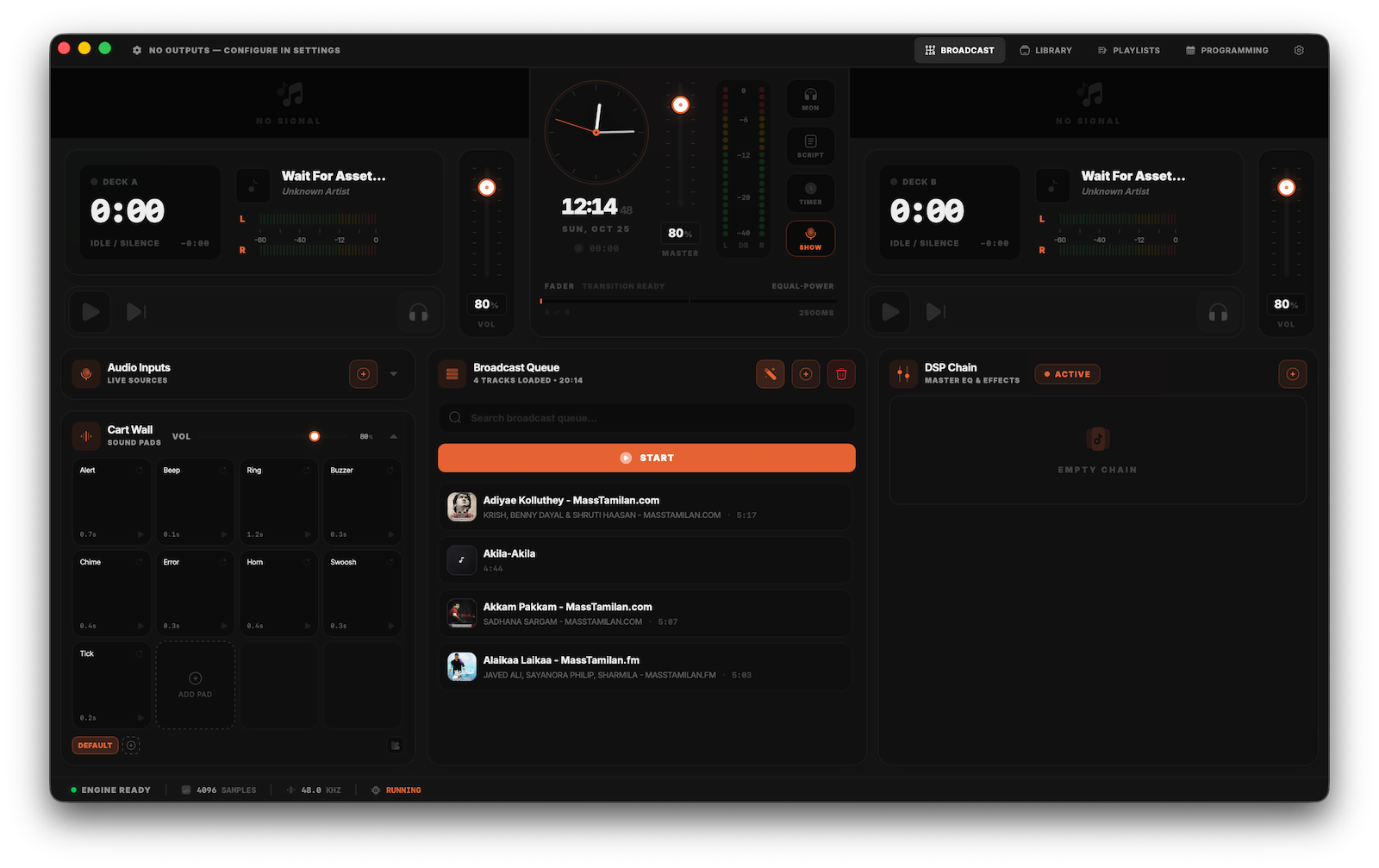
Studio Master Capabilities
Built for live shows, automated rotation and remote inputs.
Dual-deck mixing console
Two decks with crossfader, channel gain, cue monitoring and gapless transitions.
DSP mastering rack
A seven-stage chain including 5-band parametric EQ, compressor, brick-wall limiter and noise gate.
Cart wall
One-key triggers for station IDs, jingles, sweepers and effects. Customizable banks and keyboard shortcuts.
Schedule and automation
Plan your day with calendar blocks and let auto-playout run them. Smart playlists fill the gaps, and repeat windows stop tracks coming back too soon.
Professional broadcast software. Free forever.
Desktop Studio has no licence keys, no trial periods, and no locked features.
Download Bruhi Studio
macOS
Apple Silicon (arm64)macOS 12 (Monterey) or later. Capturing system audio needs macOS 14.2+; on earlier versions, use BlackHole.
Windows
64-bit (x64)Windows 10 / 11 (64-bit). Uses WASAPI audio.
Linux
x86_64 DistributionsUbuntu 22.04+, Fedora 38+, Arch (AppImage). x86_64 only. ALSA, PipeWire and JACK.